Podbag 0.2.0
by The podbag team · 
 @SteelCrabon in AnnouncementsPermalink
Podbag 0.2.0 is available. This release adds image builds and registry publishing. It also lets you copy existing images and data to another engine or Kubernetes cluster.
Build and pull images
Build an image from a Dockerfile with podbag build. Pull images from a registry or push the images you build.
FROM mirror.gcr.io/library/alpine:3.22
CMD ["echo", "Hello from Podbag"]
Save the file in an empty folder and run these commands there. Download Dockerfile
podbag build -t hello .
podbag run --rm hello
The container prints Hello from Podbag.
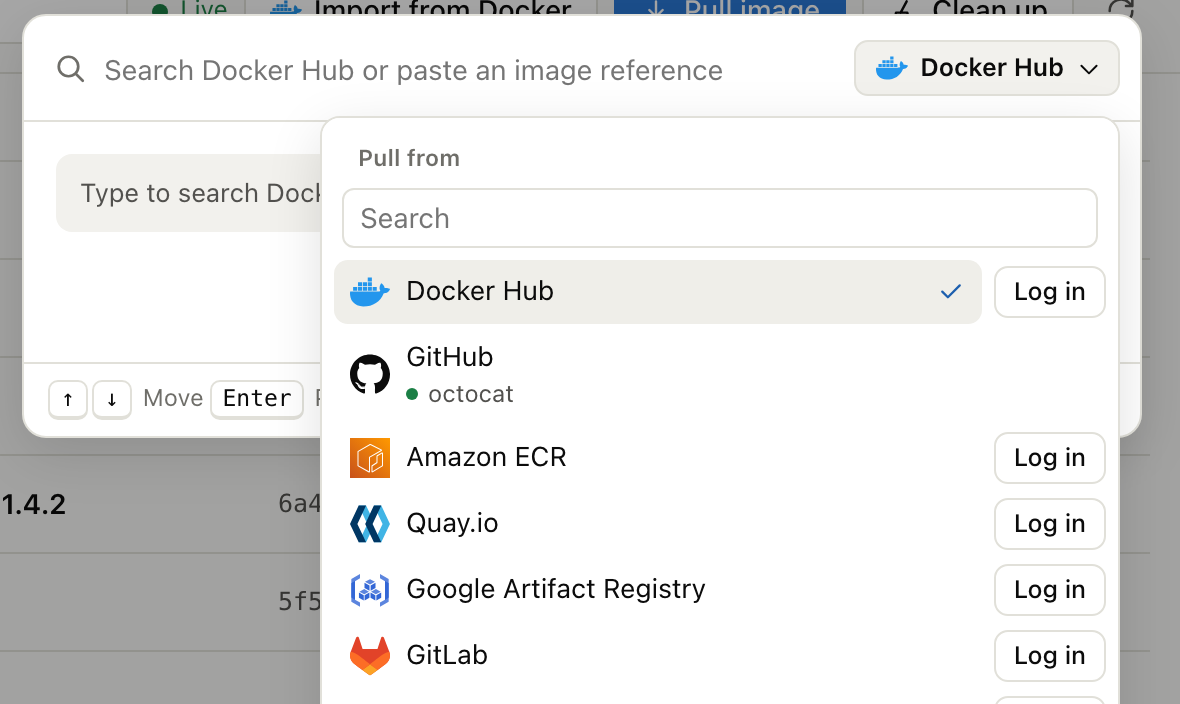
In Podbag Desktop, open Pull image and choose Docker Hub, GitHub Container Registry, or a custom registry address. Enter the image name and tag. For private images, reuse a Docker login that has access to the registry.
Copy between engines and clusters
Use podbag migrate or the Migrate menu in Desktop to copy single-platform images, stopped containers, and local volumes between Docker-compatible engines. The source stays in place.
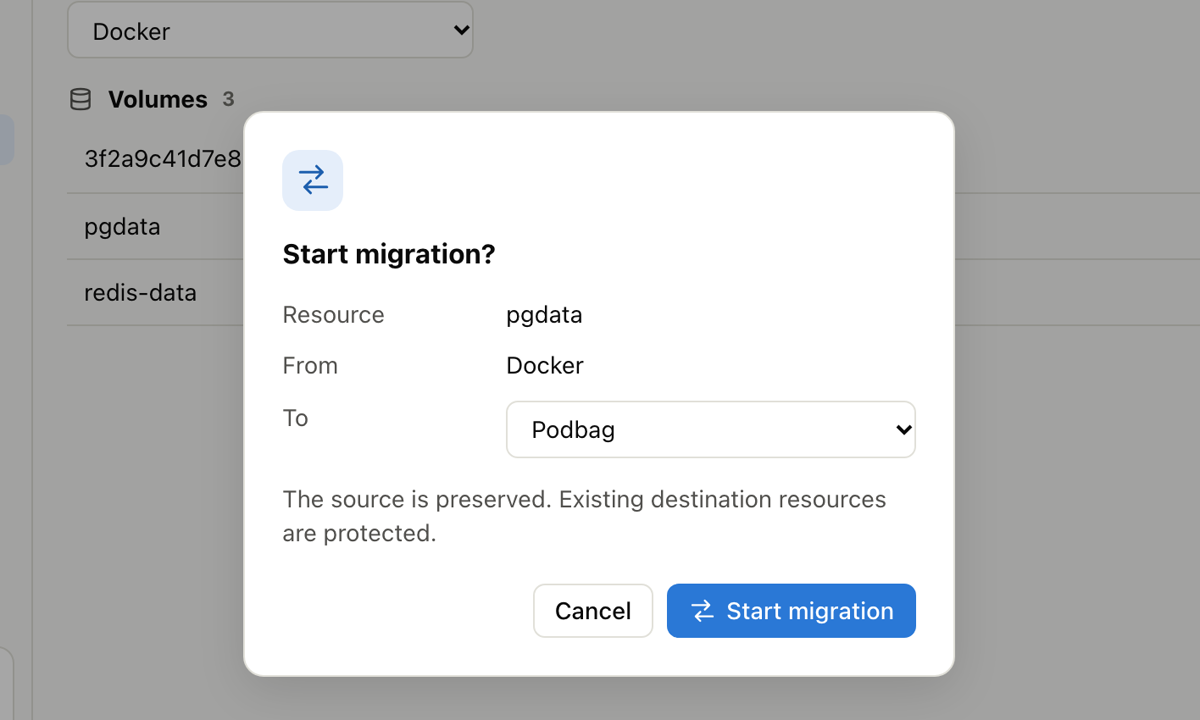
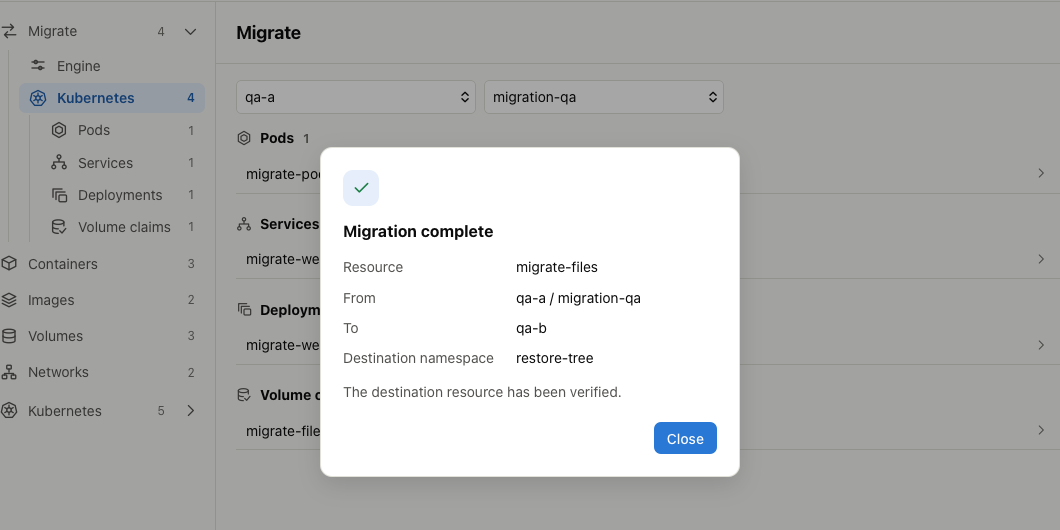
Desktop copies standalone Pods, Services, Deployments, and filesystem persistent volume claims (PVCs) between Kubernetes contexts. A bound filesystem PVC transfers its files and verifies them at the destination. Stop workloads that write to the source volume before copying. Migration requirements
Kubernetes, Swarm, and Desktop
On a Linux node, run podbag cri serve as the Kubernetes container runtime. The published k3s test compares Docker Engine and Podbag on the same node. k3s workload test
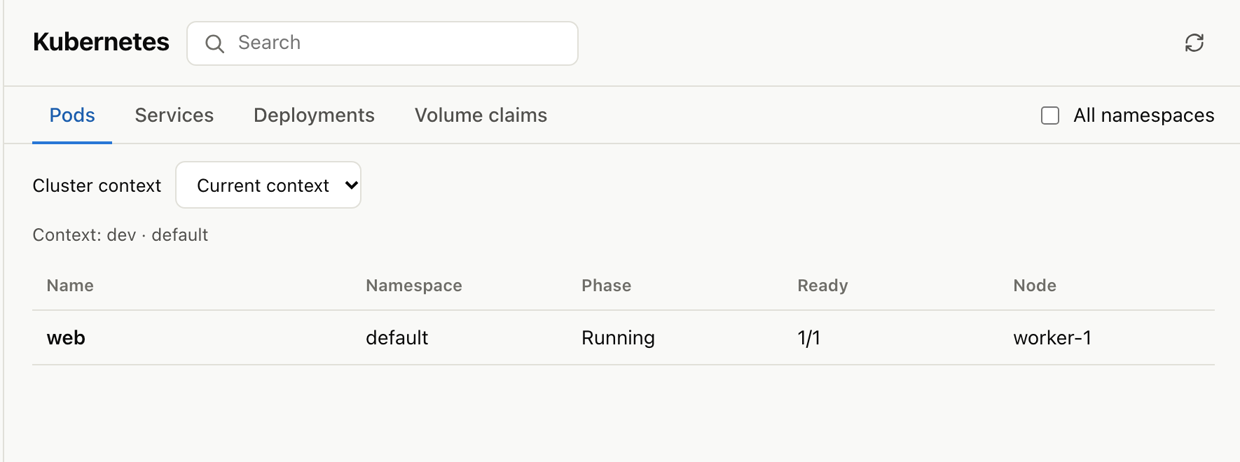
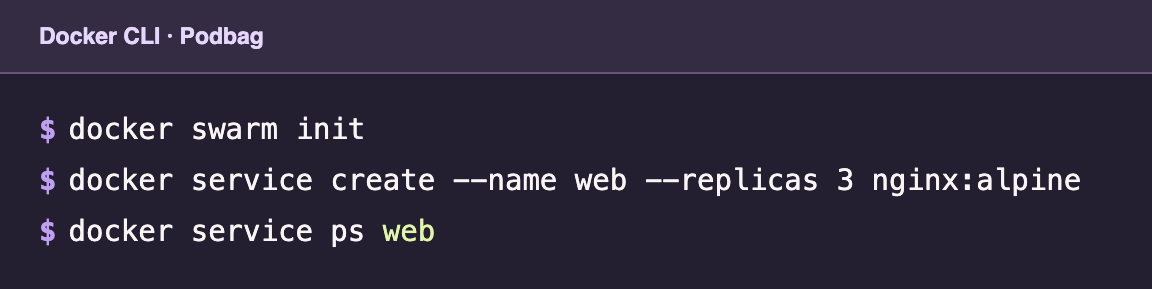
Podbag also runs Docker Swarm services and stacks on one node.
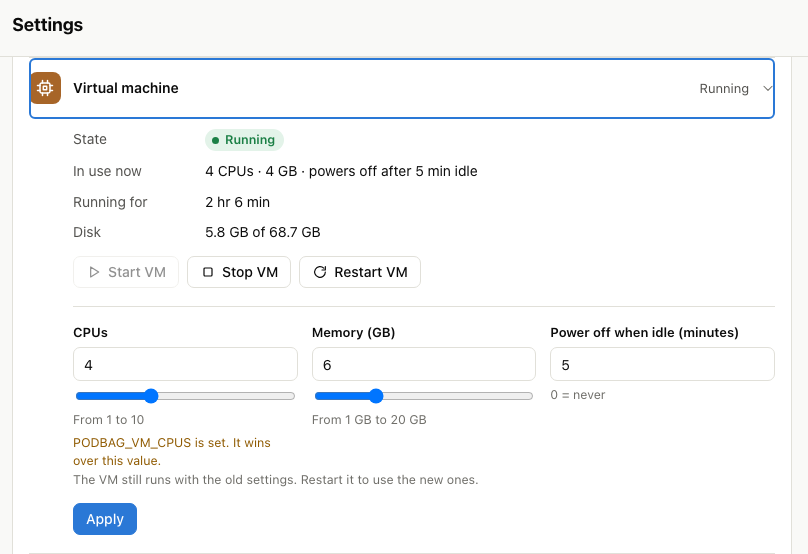
Use podbag tui or Desktop to manage containers and images and to switch the Docker CLI context. On Apple silicon, Desktop configures the Linux VM's CPU count, memory, and idle shutdown time.
Install 0.2.0
On Linux or Apple silicon macOS, install the 0.2.0 CLI with the following commands. The installer verifies the download's SHA-256 checksum.
curl -fsSL https://podbag.dev/install.sh | PODBAG_VERSION=v0.2.0 sh
podbag --version
Desktop is available as DEB or RPM packages for AMD64 and ARM64 Linux and as a ZIP for Apple silicon Macs. Install the CLI before opening Desktop on macOS. The experimental Windows CLI requires WSL 2. The Android ARM64 CLI supports image commands. 0.2.0 downloads
To apply the file timestamp and crontab fixes to an affected image stored by 0.1.0, remove the image and pull or load it again. Full changelog