Podbag 0.3.0
by The podbag team · 
 @SteelCrabon in AnnouncementsPermalink
Podbag 0.3.0 is available. It brings native Windows installers, a macOS Desktop bundle with its engine, and four beginner training modules.
Install Podbag Desktop
- Windows x86_64 and ARM64. Download the MSI for your CPU. Open Podbag Desktop from the Start menu. Enable WSL 2 to run containers.
- macOS on Apple silicon. Extract the Desktop ZIP and open
podbag.app. Desktop starts the Linux VM with the included engine. - Linux x86_64 and ARM64. Install the DEB or RPM for your distribution and CPU. The package includes the engine.
Learn with Podbag Training
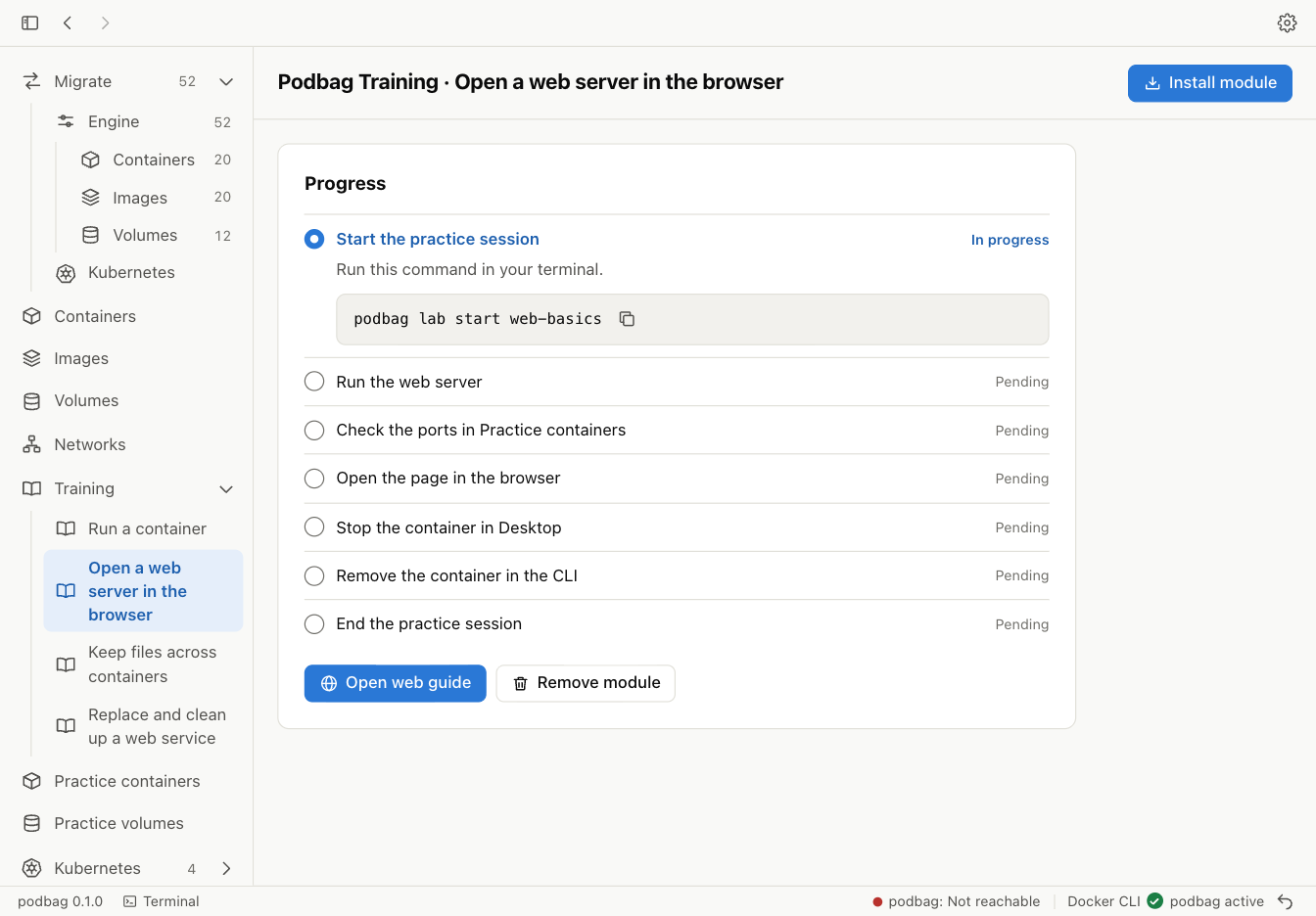
Open Training in Desktop. The four modules cover running a container, publishing a local web page, keeping files in a volume, and replacing a web service. Follow each guide to install its module. Desktop tracks your progress and runs the exercises in isolated practice sessions. Start with your first container
Work from the terminal
Use podbag tui to create volumes, log in to registries, import images, or inspect Kubernetes resources. The CLI adds podbag engine, podbag import, podbag kube, podbag settings, and podbag tutorial.
Install the CLI on Linux or Apple silicon macOS. The installer checks the download against its SHA-256 checksum.
curl -fsSL https://podbag.dev/install.sh | PODBAG_VERSION=v0.3.0 sh
podbag --version